$99
one-time
Every Pro feature, forever, no subscription ever.
Claim Individual
One shared list. Someone adds milk, someone else grabs it, and you both see it happen.


free plan, no card needed
how it works
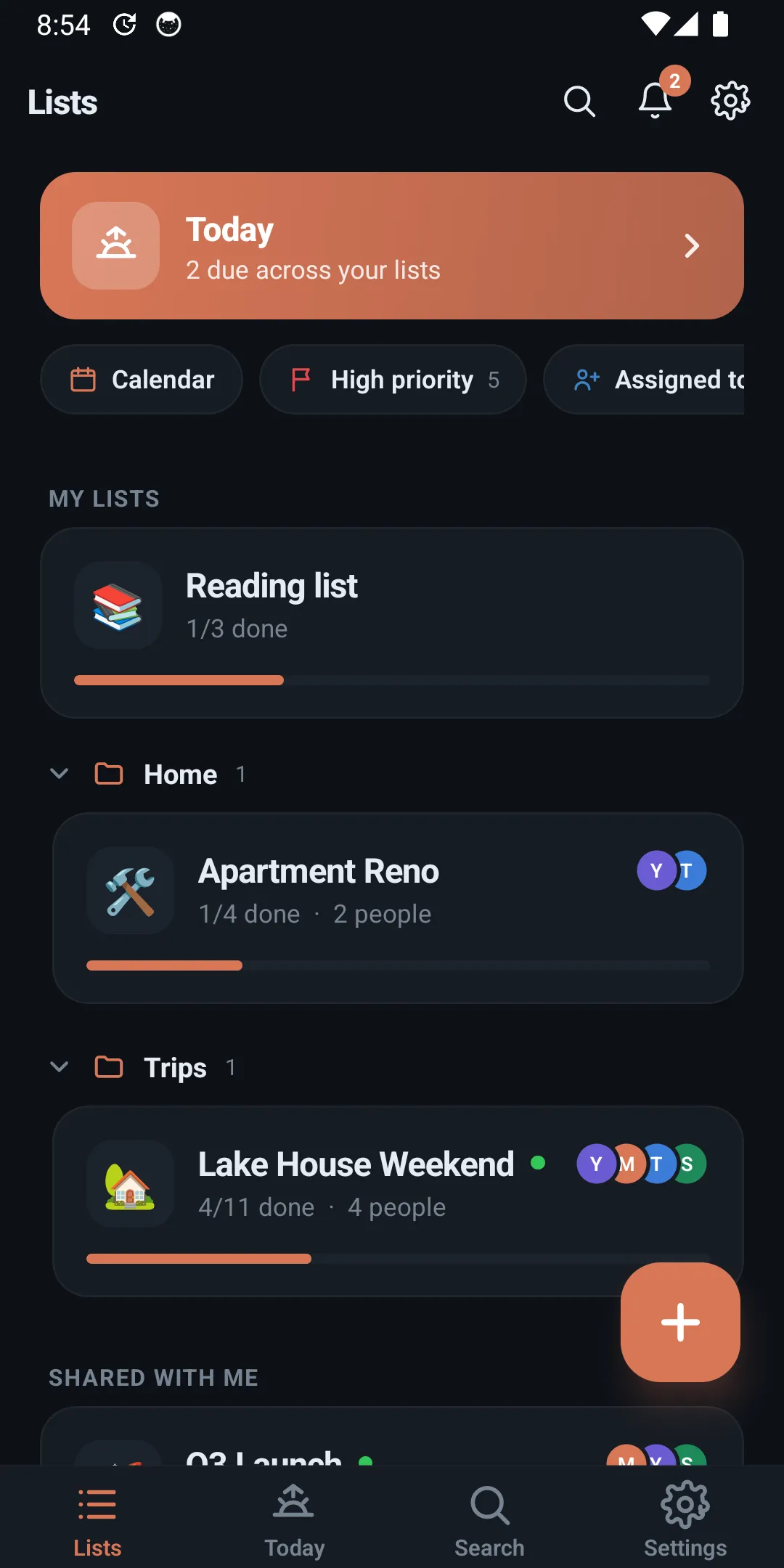
Groceries, the move, the Q3 launch. Add items by typing or talking - Psst sorts out dates and reminders.
No emails to collect, no accounts to chase. Anyone with the link can join the list in seconds, on iOS or Android.
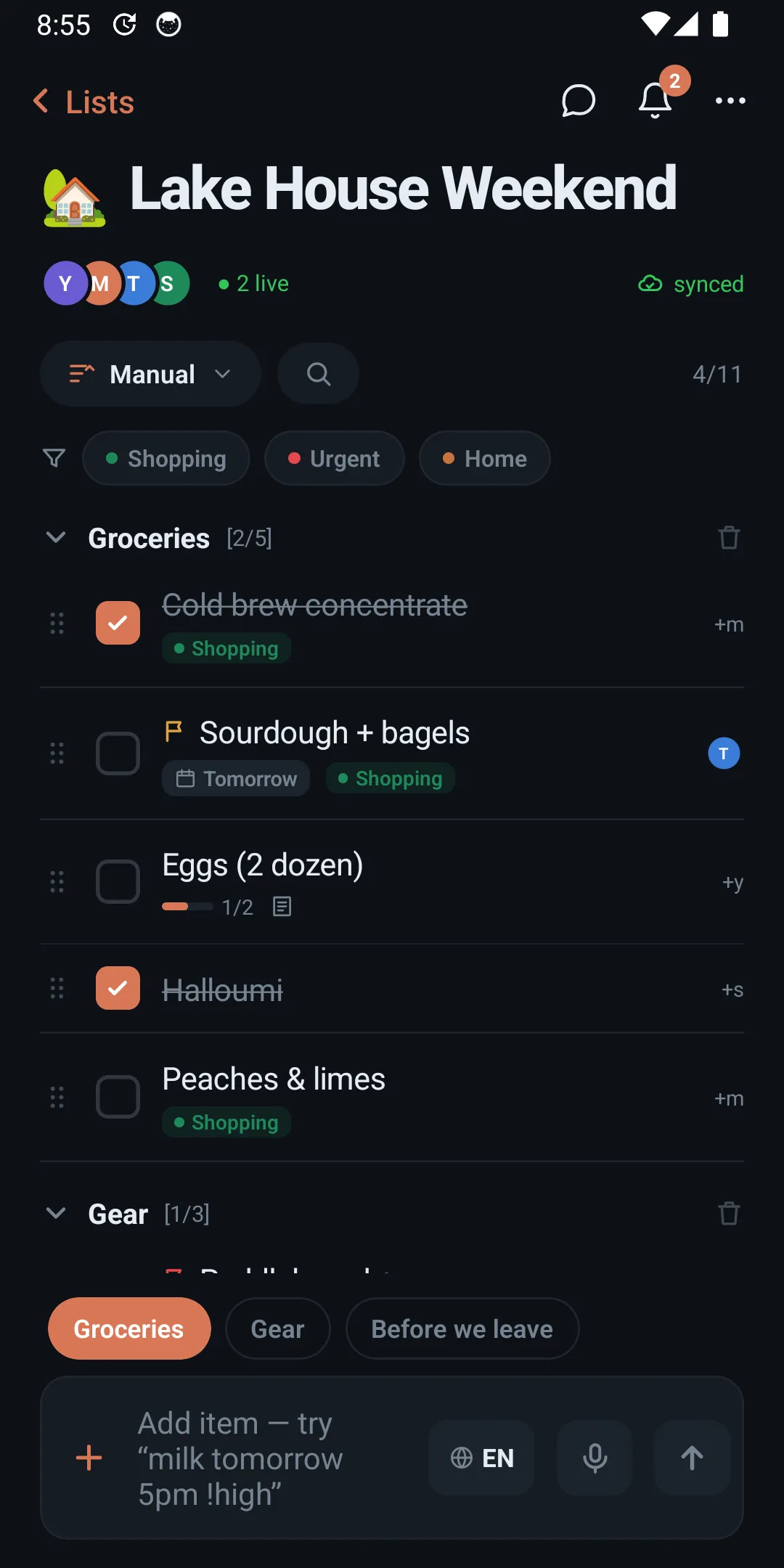
Everyone sees progress live. Assign items, chat next to the tasks, and feel the small joy of a finished list.
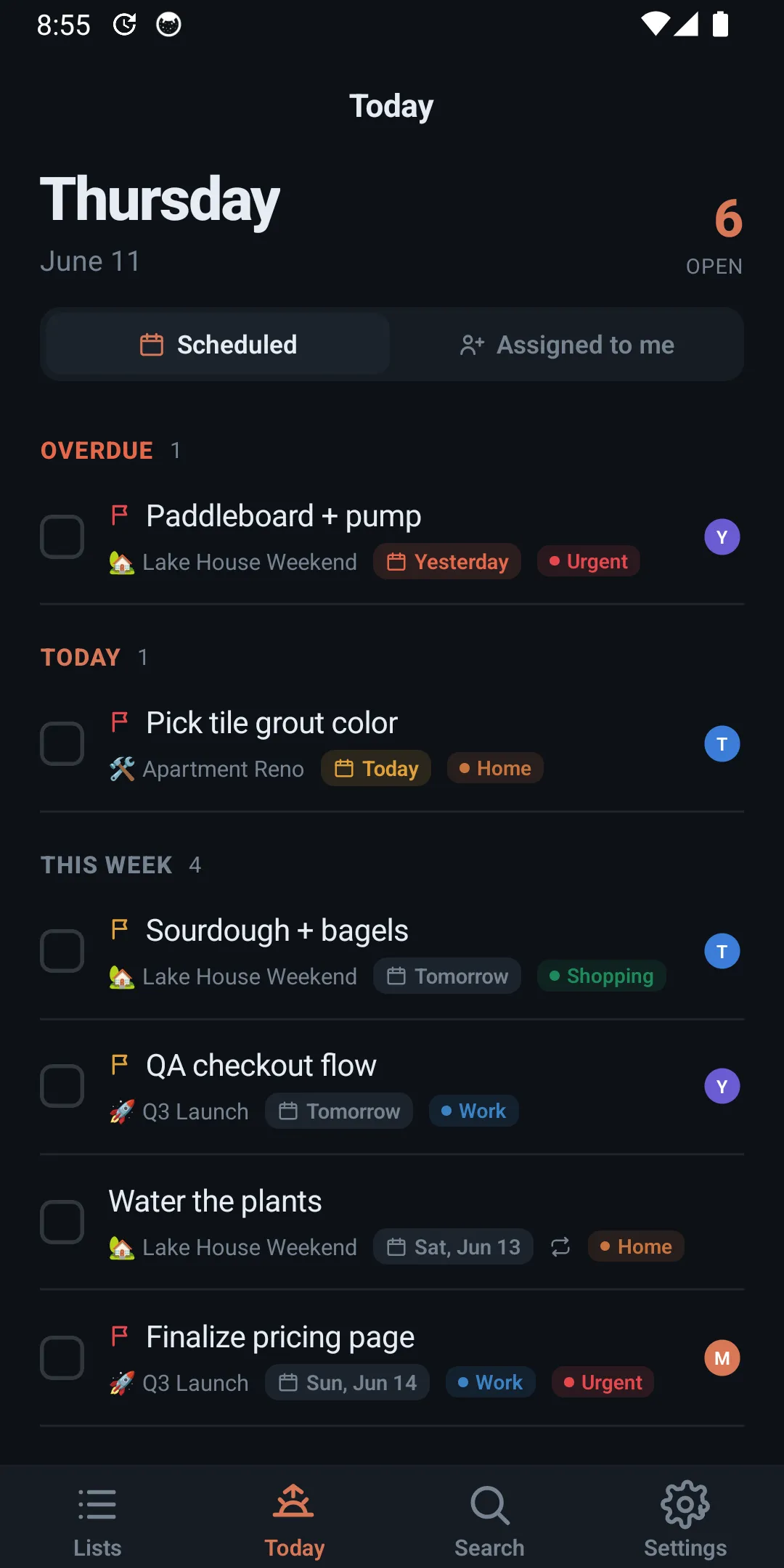
Every item due today, pulled from every list you're on. Morning, afternoon, anytime.
Works in airplane mode, syncs when you land. Five themes, four accents.

Due dates sync both ways.

Same two-way sync, for your Microsoft calendar.

Turn messages into tasks, get nudged on what's due.

Wire Psst into thousands of other apps.
connect any of them from settings → integrations
pricing
Pro when your lists outgrow you. Team when your whole org comes along.
Every new account starts with 7 days of Pro free, no card. Then keep it or drop to the free plan.
Everything you need to share a list today.
For when your lists outgrow you. Unlimited lists, reminders, recurring items, and the calendar view.
Up to 6 members. Everyone in your household gets Pro on their own lists.
Everything in Pro, for your whole org.
faq
Yes. Shared lists, live sync, chat, and the Today view are free. Pro adds reminders, recurring items, the calendar view, themes, and unlimited lists. You get 7 days of Pro free on signup, no card needed; it drops to the free plan after, and you can upgrade to $35.99/year any time.
Joining a list takes one link. To check things off and chat, they’ll want the app - it’s on both the App Store and Google Play, and a list shared between an iPhone and an Android phone just works.
Yes. Add and check off items anywhere; Psst syncs everything the moment you’re back online, and merges changes without losing anyone’s edits.
Absolutely. Plenty of people use Psst as their personal to-do app and only share the occasional list. Sharing is optional, not required.
That’s the idea. Assign items, set recurring tasks and reminders, keep a calendar view, and watch activity land in real time - without standing up a “workspace” first. Start with one list; scale to the whole team.
Your lists are yours. They sync through your account, you can export them anytime, and deleting a list actually deletes it.
changelog
Changes land quicker for everyone on a list, with fewer hiccups when several people edit at once.
Cleaner text, menus, and layout across every screen for Arabic and other right-to-left languages.
Glance at today and your lists straight from the home screen, without opening the app.

Grab it now and make a list before the kettle boils.